Joint Campaigns
Part of Co-marketing agreements and responsibilities
Setting approval rights for shared marketing materials
Assign claim, brand, whole-asset and release approvals for shared marketing materials, with clear version and channel limits.
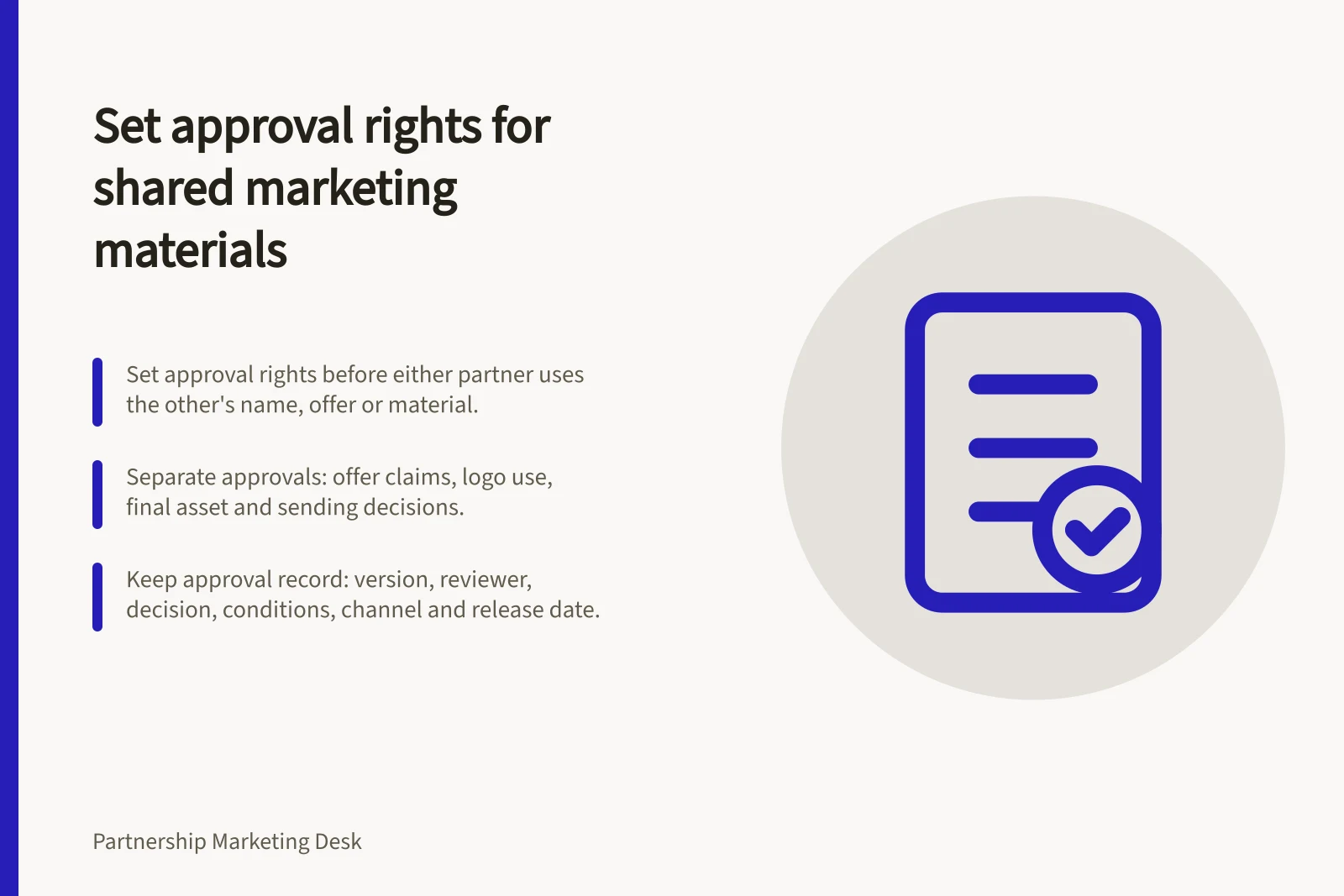
Set approval rights before either partner uses the other’s name, offer or material in a customer-facing asset. Each organisation decides on the claims and assets it controls. Name who confirms the complete version is ready for its intended channel, and ensure each approval identifies the version, use and decision-maker.
Assign each decision
A partner may verify its own product description without approving the other partner’s distribution list. A brand owner may approve a logo treatment without confirming every claim in a guide. Keep these decisions separate so “approved” has a defined meaning.
| Material or decision | Suggested approving role | Boundary to record |
|---|---|---|
| Each partner’s offer claims | That partner’s offer owner | Exact wording and material conditions |
| Each logo and brand treatment | Relevant brand owner | Format, channel and permitted period |
| Complete customer-facing asset | Named campaign approvers | Final layout, destination and version |
| Sending or publishing | Organisation controlling the channel | Audience, scheduled version and release decision |
This is a proposed division of work. The partners may assign different roles in their agreement. Someone who comments on a draft is not automatically authorised to approve its release. Name backups for required approvers.
Who approves what in a shared campaign
- Each partner's offer claimsApproved by that partner's offer owner — record the exact wording and material conditions
- Each logo and brand treatmentApproved by the relevant brand owner — record the format, channel and permitted period
- Complete customer-facing assetApproved by the named campaign approvers — record the final layout, destination and version
- Sending or publishingApproved by the organisation that controls the channel — record the audience, scheduled version and release decision
Review the complete message
Give reviewers the final format: headline, body copy, images, qualifications, call to action and destination. A claim that is accurate alone can create a different impression in a layout with a prominent headline or a missing condition. The ACCC can require businesses to back up claims they make about their products or services; if a business misleads, the ACCC can investigate and may take compliance or enforcement action.
For each required approver, record either approval of the stated version or the changes needed. If approval is conditional, verify the stated changes before release. When a material claim, qualification or brand treatment changes, return the complete revised asset to the affected owner.
Permission for a logo or third-party image should cover its proposed use. IP Australia advises collaborators to identify existing and third-party IP and agree the circumstances and period of its use. Approval of one design does not establish unlimited reuse elsewhere.
Reviewing one complete asset before release
- Send the final formatGive reviewers the headline, body copy, images, qualifications, call to action and destination — not a partial draft.
- Record each decisionEvery required approver either approves the stated version or lists the changes needed.
- Verify conditional approvalsWhere approval is conditional, confirm the stated changes were made before release.
- Re-circulate material changesA changed claim, qualification or brand treatment returns to the affected owner as a complete revised asset.
- Confirm use permissionsLogo or third-party image permission should cover the proposed use, circumstances and period; approving one design is not unlimited reuse.
Record the release decision
Keep an approval record for each asset: version, reviewers, decisions, remaining conditions, channels and intended release date. The publishing owner should compare the scheduled version with the approved one. Pause the affected item if a late edit changes a material claim, qualification or brand treatment until the relevant approval is refreshed.
Set a response date and escalation route, but do not treat silence as permission unless the parties have expressly agreed a suitable rule. Decide in advance whether an unapproved element stops the whole asset or may be removed while the remainder proceeds through review.
For Australian marketing emails and messages, separate spam rules may apply. Creative approval does not establish permission to contact recipients.
After release, identify who can flag a changed offer or inaccurate claim and who can pause or correct the affected asset. The approval record shows what was authorised; later use still needs to remain accurate.
What each approval record should show
- Version identified
- Reviewers named
- Decisions recorded
- Remaining conditions listed
- Channels and intended release date noted
- Publishing owner has compared the scheduled version with the approved one
- Rule agreed on whether an unapproved element stops the whole asset or can be removed
- Response date and escalation route set, with silence not treated as permission unless expressly agreed
- Late edit to a material claim, qualification or brand treatment pauses the item until approval is refreshed
- Named person who can flag a changed offer or inaccurate claim after release, and who can pause or correct the asset