Joint Campaigns
Part of Joint campaign planning
Building a shared campaign calendar
Build a shared campaign calendar that shows dependencies, owners, review dates, approved versions and realistic release points.
Build a shared campaign calendar around dependencies and decisions, not just publication dates. For each item, record its owner, what must arrive first, the review due date and which version is cleared for release. One current record shows both partners whether the launch is still realistic.
Start with the release window
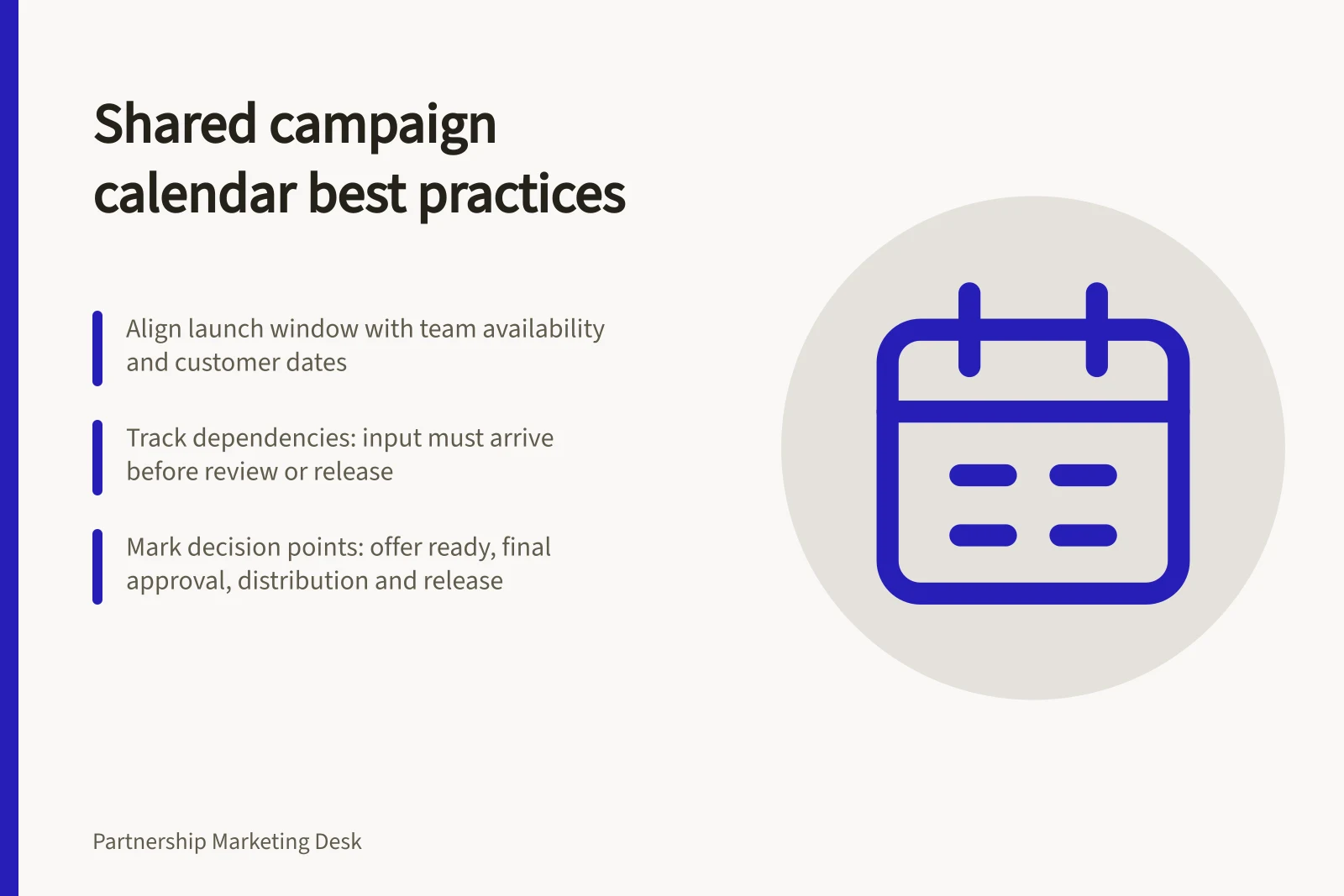
Choose a proposed launch window and list the channels each partner expects to use. Check team availability, relevant customer dates and local scheduling constraints before fixing a date. Mark an unconfirmed publishing slot as provisional.
Work backwards from release. A landing page may need approved copy, design, a working form and a check in the publishing environment. An email may depend on that page being live. Put those dependencies in the calendar so the item cannot be scheduled to point at an unfinished destination.
Use fields that prompt action
A calendar row should identify an asset or decision precisely enough for another owner to act on it.
| Field | What to record |
|---|---|
| Item and channel | The specific asset or activity and where it will appear |
| Owner | The person moving it to the next state |
| Required input | What must arrive first and from whom |
| Draft and review dates | When a reviewable version is due and when comments must return |
| Approver | Who can decide on this version and use |
| Status and version | Current state and the file or page under review |
| Release point | Planned date, time zone and publishing owner |
Keep detailed deliverable terms and approval rights in their agreed records. The calendar should point to those decisions and flag when one is missing.
Set dates from the work
Ask owners how long their tasks need, and give reviewers time to see a complete version. A review date is useful only if the draft and supporting information arrive first. Where one partner’s product or brand reviewer must respond before design can finish, show that sequence.
For example, Partner A might draft a checklist while Partner B supplies a section about its service. B’s input belongs before A’s complete draft, and both partners then review the assembled version. Set dates from the actual teams’ availability.
Mark the main decision points: offer ready for production, final asset approved, distribution ready and release authorised. A missed decision point calls for a revised forecast.
Keep one current version
Name the calendar owner and give both partners access to the current record. Use consistent status labels, such as planned, waiting for input, in review, approved and released. Record when and why a deadline moves, and keep the original target in the change history.
Separate approval of the copy from release of the assembled asset. Before scheduling, the publishing owner should compare the final version and destination against the approved material. Customer-facing claims still need to be supportable, and qualifications must not conflict with the overall impression.
Re-plan when a dependency moves
When an input is late, identify every downstream item it affects. Ask the owners for revised review and release dates, then tell both partners what changed. If only one asset is affected, independent work may continue. Do not release an unreviewed version to hold the date.
After launch, record actual release dates and any corrected or withdrawn item. The calendar then shows how this campaign ran; campaign value needs separate evidence.