Partner Enablement
Part of Integration partnership marketing
Creating an accurate joint solution page
A joint solution page should let a customer decide whether two products work together for their use case. Lead with the task and outcome, then explain the …
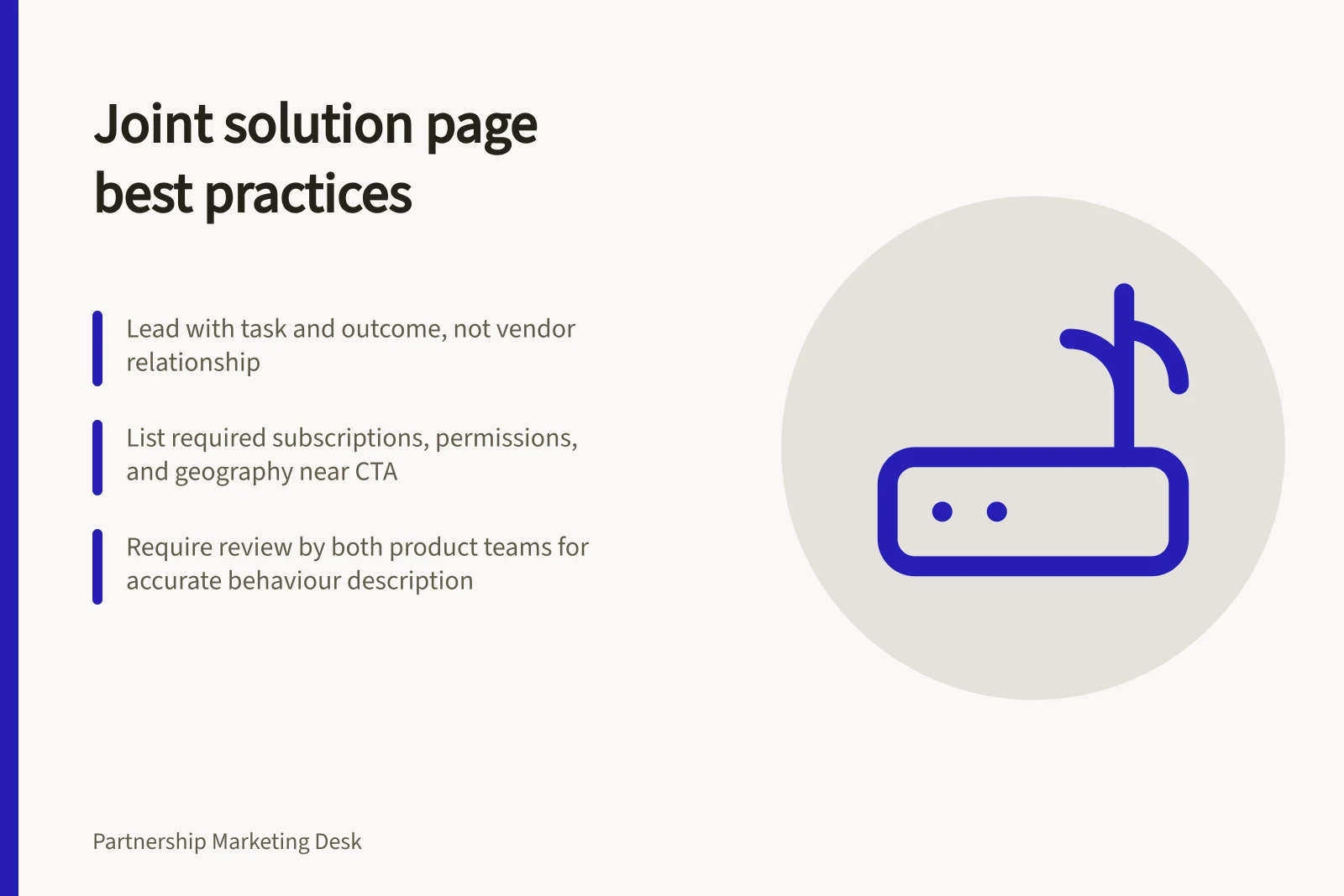
A joint solution page should let a customer decide whether two products work together for their use case. Lead with the task and outcome, then explain the connection and its requirements. Avoid a long introduction about the relationship between the vendors.
Show a short workflow: what starts in product A, what reaches product B, what the user sees, and what does not sync. List required subscriptions, permissions, geography or configuration near the call to action.
Give support ownership for setup and later failures. A page that omits exclusions may generate enquiries, but it also creates avoidable disappointment.
Have both product teams review each sentence that describes behaviour. Atlassian's listing principles call for clear, complete and customer-focused listings; HubSpot's partner guidance says a marketplace listing should include setup detail that helps a buyer evaluate the app. Keep the joint page aligned with those product records, while allowing different introductory wording for each partner's audience.
Test the page with someone unfamiliar with the partnership. Can they identify who the solution fits, what access they need and the first step to try it? Record a review date and update the page when the integration changes, even if neither partner is running a new campaign.
Key Steps to Create an Accurate Joint Solution Page
- Lead with the user task and desired outcomeHelp customers quickly understand the value proposition of the integration.
- Show a clear workflowIllustrate what data flows from Product A to Product B, and what does not sync.
- List required subscriptions, permissions, and configurationInclude details like minimum subscription tiers, access roles, and region restrictions.
- Assign support ownership clearlySpecify which partner owns setup and troubleshooting to avoid confusion.
- Have both product teams review behaviour descriptionsEnsure accuracy and consistency with official product listings and documentation.
- Test with a neutral userVerify that someone unfamiliar with the partnership can identify the fit, access needs, and next step.
- Set a review date and update proactivelyRevisit the page when integration changes—even without a campaign launch.
Integration Requirements: What’s Required vs. Not Synced
- Data Synced
- Task creation, status updates, project metadata (where applicable)
- Data Not Synced
- User-specific preferences, custom fields outside standard schema, audit logs
- Required Subscription Tier
- Atlassian Premium or HubSpot Professional+
- Required Permissions
- Admin access in Atlassian, API access in HubSpot
- Geographic Restrictions
- Available only in Australia, New Zealand, and UK regions